Word to PDF: convert a DOCX to PDF online
Word to PDF in your browser: open your document, check the pages and download a PDF with the same layout, fonts and page numbers. The conversion runs in your browser, so the file never leaves your device.
- Layout kept as in the document
- Selectable, searchable text
- Fix typos before converting
- No watermark
- Works with
- .docx
- .dotx
- .docm
- .txt
- .md
- .html
How to convert DOCX to PDF
Open your DOCX
Press Open DOCX and pick the file on your computer or phone. DOCX documents, DOTX templates and DOCM files all work.
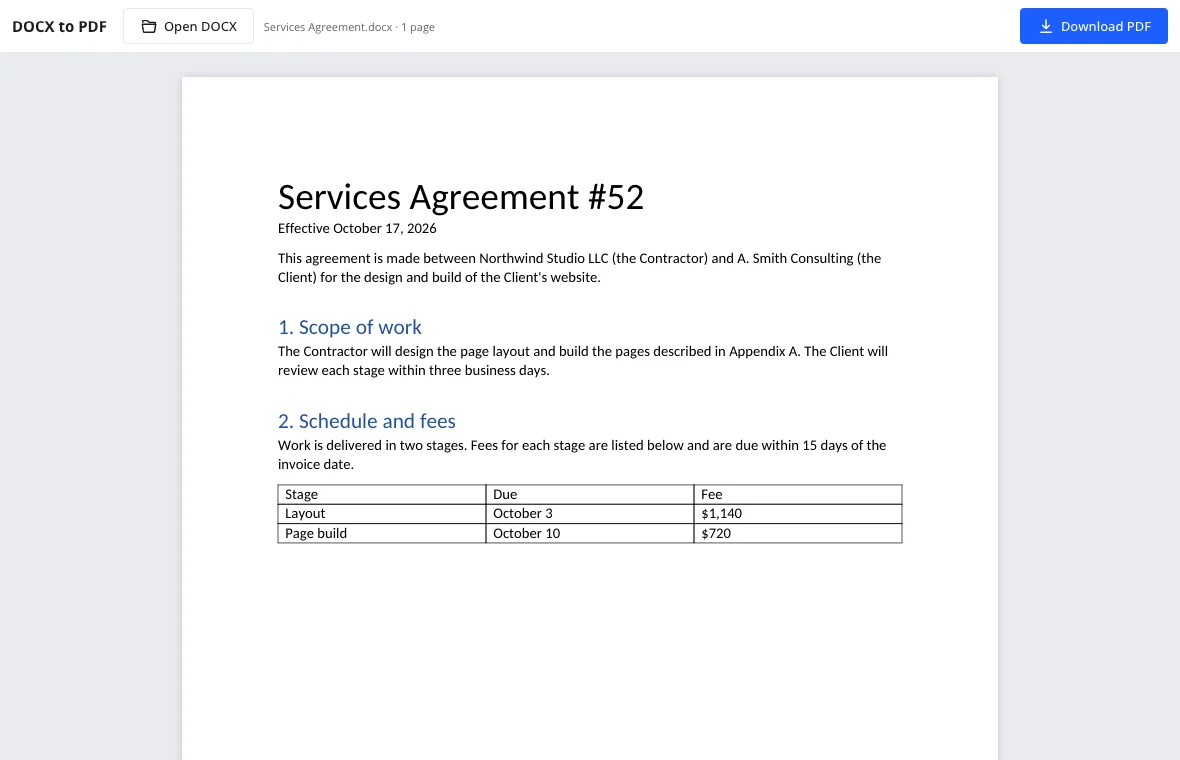
Check the pages
The document is laid out exactly as the PDF will be — margins, headers, page numbers, footnotes. Fix a typo right on the page if you spot one.
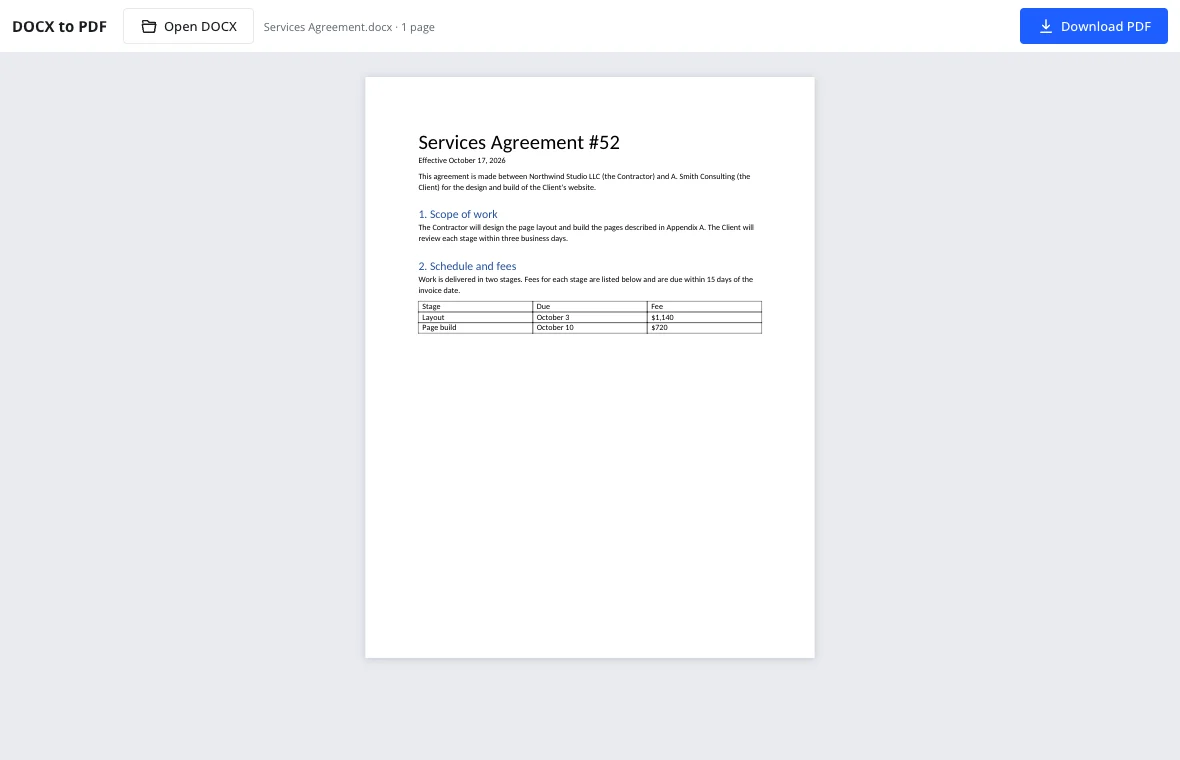
Download PDF
Press Download PDF. The file keeps the document's name and has the same number of pages you saw on screen.
Word to PDF without surprises
The converter uses the same layout engine as the full editor, reading page size and margins from your file and drawing each page as vector graphics. Fonts embedded in the DOCX are used as they are; common office fonts are swapped for free fonts with identical letter widths — Carlito for Calibri, Caladea for Cambria, Arimo for Arial, Tinos for Times New Roman, Cousine for Courier New — so lines break in the same places.
What carries over
- Fonts, bold and italic, indents, spacing, lists and hyphenation.
- Headers and footers, page numbers, footnotes, columns and section breaks.
- Tables with merged cells and shading, pictures, shapes and text boxes.
- Tables of contents and fields, with the values stored in the document.
When a DOCX to PDF converter saves the day
Job applications
Upload a resume and cover letter that look the same on every recruiter's screen and in every tracking system.
Coursework
Submit to a learning portal or plagiarism checker that only takes PDF, without installing an office suite on a lab computer.
Forms and filings
Attach a signed letter or declaration to an online application that rejects editable files.
Print shops
Hand over a file that prints exactly as proofed, whatever computer the shop uses.
Good to know
- Legacy .doc files aren't supported; save as DOCX first.
- Links come through as underlined text but aren't clickable; no bookmarks are created.
- Objects the editor can't display trigger a notice when the file opens — check those pages.
Frequently asked questions
Support: [email protected]
How do I convert DOCX to PDF for free?
Press Open DOCX, check the pages, then Download PDF. The conversion happens in your browser at no cost, with no account and no watermark, and the PDF lands in your downloads folder with the same name as the document. The file keeps the same number of pages you saw on screen.
Is my file uploaded anywhere?
No. The document is read and converted on your own device inside the browser. Nothing is sent over the internet, which makes the converter suitable for resumes, contracts and medical letters. Fonts and pages are processed locally, so the file never leaves your computer or phone.
Will the formatting stay the same?
Yes. Margins, fonts, indents, lists, tables, headers, page numbers and footnotes come out as they appear on the preview pages, and fonts are embedded so the recipient sees the same thing. The converter uses the same layout engine as the full editor, and common office fonts are swapped for free fonts with identical letter widths.
Can I copy text from the PDF?
Yes. The PDF contains real text rather than a picture of the page, so it can be selected, copied and searched. Nothing is turned into an image, and plagiarism checkers and job portals read it correctly. That keeps the document useful for coursework, job applications and online forms.
Can I edit the document before converting?
Yes. Correct text right on the pages in the converter. The document is laid out exactly as the PDF will be, so you can spot a typo on the page and fix it before you download. For bigger changes, open the full editor, then use File → Download → Download as PDF.
Is there a file size limit?
There is no fixed limit; it depends on your device's memory. Documents with hundreds of pages and images convert fine, they just take a little longer on slower phones and older laptops. Open DOCX accepts DOCX, DOTX and DOCM files, and the PDF keeps the same page count you checked.
More tools
Word counter
Count words and characters live, plus reading and speaking time.
Resume template
Make a resume online: pick a template, fill it in, download DOCX or PDF.
Letter template
Printable letter templates: cover, business, resignation, thank-you and more.
Spell check
Spell check online: find and fix misspelled words in text or a document.
Track changes
Track changes online: review a DOCX, accept or reject edits, download the result.
Documents
A full word processor in the browser, from cover letters to term papers.
Word to PDF: convert a DOCX to PDF online
Convert documents to PDF in the browser with the layout intact.
Open the editor