Letter templates you can fill in and print
Choose a letter template, replace the bracketed text with your own and print it or download a DOCX or PDF. Cover letters, business letters and the notes people write most often.
- Cover and business letters
- Resignation and recommendation letters
- Print or download DOCX and PDF
- No sign-up
- Works with
- .docx
- .dotx
- .docm
- .txt
- .md
- .html
How to write a letter with a template
Pick a letter
Open the Template menu above the page and choose the kind of letter you need — cover letter, business letter, resignation, recommendation, thank-you note, complaint or invoice reminder.
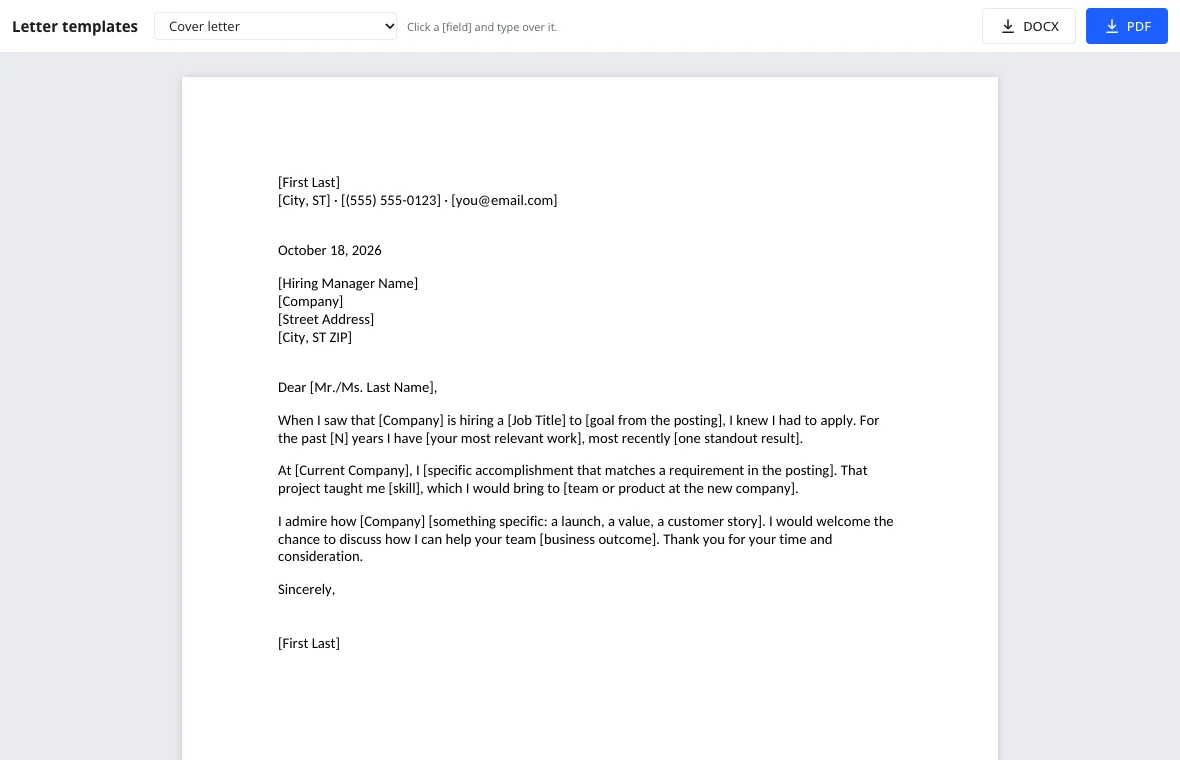
Make it yours
Click each [bracketed] part and type over it: names, dates, the reason you are writing. The block format, spacing and signature lines are already in place.
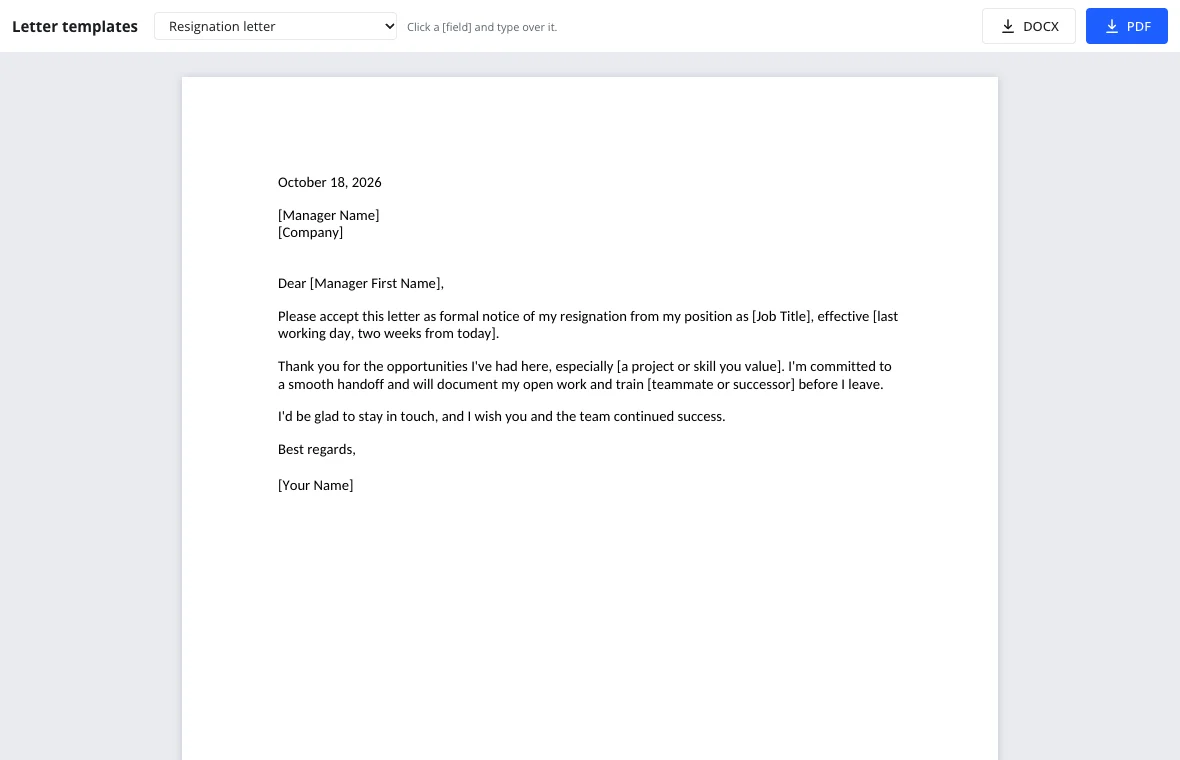
Print or download
PDF prints on Letter-size paper exactly as shown; DOCX opens in any word processor if you want to keep editing.
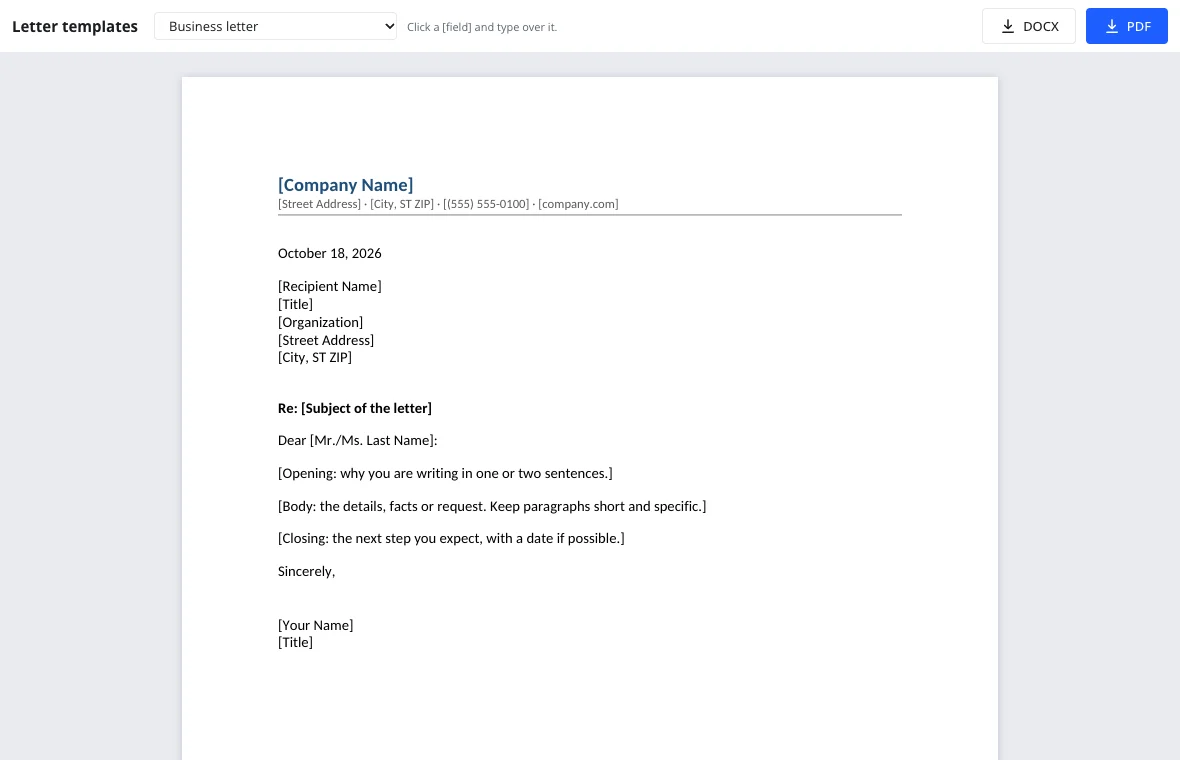
Letter templates in the collection
| Template | Use it when |
|---|---|
| Cover letter | Applying for a job; ties your experience to the posting |
| Business letter | Writing formally to a company or client, full block format with letterhead |
| Resignation letter | Giving two weeks' notice, short and gracious |
| Recommendation letter | Vouching for an employee or student |
| Thank-you note | Following up within a day of an interview |
| Complaint letter | Asking a company to fix a problem, with order details |
| Invoice reminder | Nudging a client about an overdue payment |
What makes a cover letter template work
Open with the role and one line on why you are excited about it. In the middle, pick a single accomplishment that matches a requirement in the posting and give it a number. Close with what you admire about the company and an invitation to talk. Keep it under one page — the template's three paragraphs are the right length.
Pair it with the resume builder so both documents share the same fonts and contact line.
Printable letter templates and privacy
Every letter is set up for US Letter paper with one-inch margins, so the PDF prints straight from any printer without shrinking or cut-off lines. The templates run in your browser: names, addresses and order numbers stay on your device until you download the file yourself, and closing the tab clears what you typed. Check your letter's length on the word counter if a form limits it.
Frequently asked questions
Support: [email protected]
How do I write a letter with a template?
Pick the letter closest to your purpose, then replace every [bracketed] phrase with your own details while keeping the structure: date, recipient, greeting, body and signature. The templates already follow standard business formatting, so you only supply the content. When it reads well, print it or download a DOCX or PDF.
Are these letter templates printable?
Yes. Download the PDF and print it on Letter-size paper; margins, spacing and fonts come out exactly as shown on screen. Every template is set up for US Letter paper with one-inch margins, so nothing shrinks or gets cut off. The DOCX version prints the same way from any word processor.
What's the best cover letter template?
One that stays under a page and connects a specific accomplishment to the job posting. The cover letter here uses three short paragraphs — the hook, the proof and the close — which hiring managers can read in under a minute.
How do I format a business letter?
Use full block format: everything aligned left, a blank line between paragraphs, your letterhead or address on top, then the date, the recipient's address, a subject line, the greeting, the body and a signature block. The business letter template is already set up that way.
Can I edit the letter later?
Yes. Download the DOCX to keep editing in any word processor, or open the full editor and save the letter to the cloud to come back to it from another device. The DOCX keeps the block format and signature lines, so later changes don't break the layout.
Do I need an account?
No. Choosing a template, filling it in, printing and downloading are free and work without signing in. Open the letter, replace the bracketed text and print or download it right away. There is no charge, and an account only adds cloud storage and version history.
More tools
Resume template
Make a resume online: pick a template, fill it in, download DOCX or PDF.
Word counter
Count words and characters live, plus reading and speaking time.
DOCX to PDF
Convert documents to PDF in the browser with the layout intact.
Spell check
Spell check online: find and fix misspelled words in text or a document.
Track changes
Track changes online: review a DOCX, accept or reject edits, download the result.
Documents
A full word processor in the browser, from cover letters to term papers.
Letter templates you can fill in and print
Printable letter templates: cover, business, resignation, thank-you and more.
Open the editor