Free resume template and resume builder
Pick a resume template, type your details right on the page and download a DOCX or PDF. Three layouts plus a cover letter and a reference list — no account, no watermark.
- Three resume layouts
- Cover letter and reference list
- Download DOCX and PDF
- No sign-up, no watermark
- Works with
- .docx
- .dotx
- .docm
- .txt
- .md
- .html
How to make a resume online
Choose a template
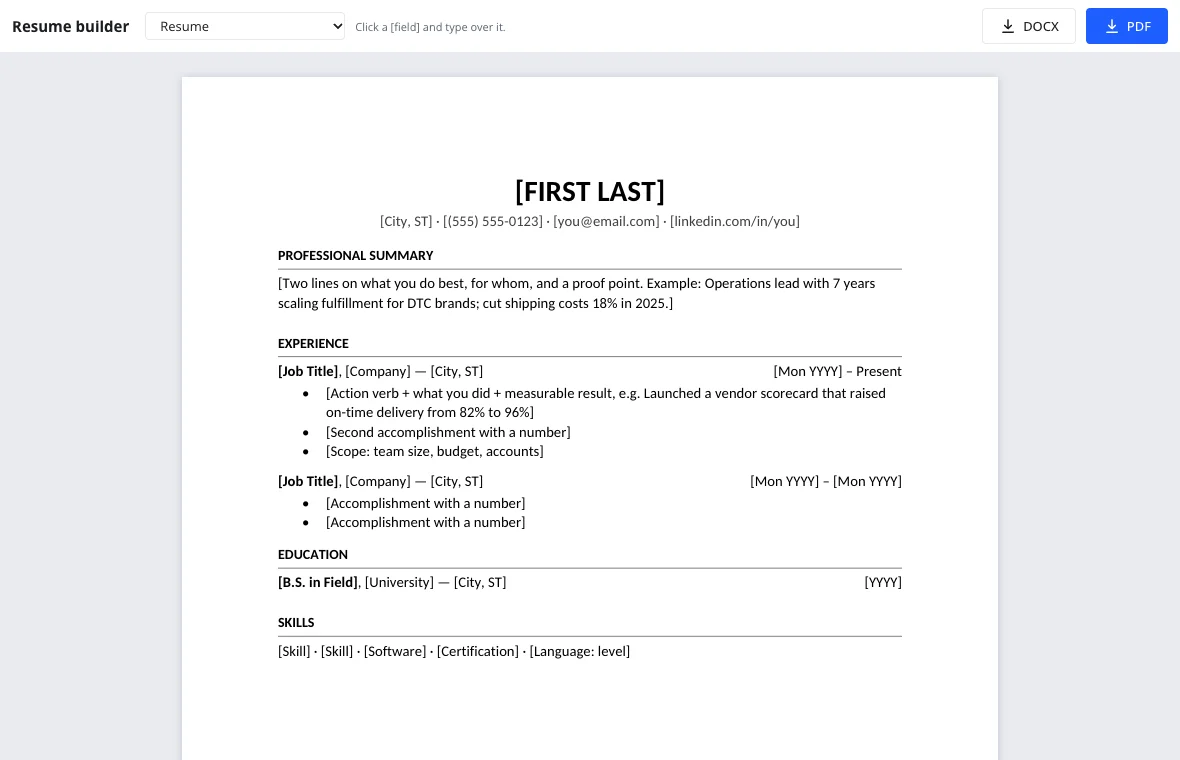
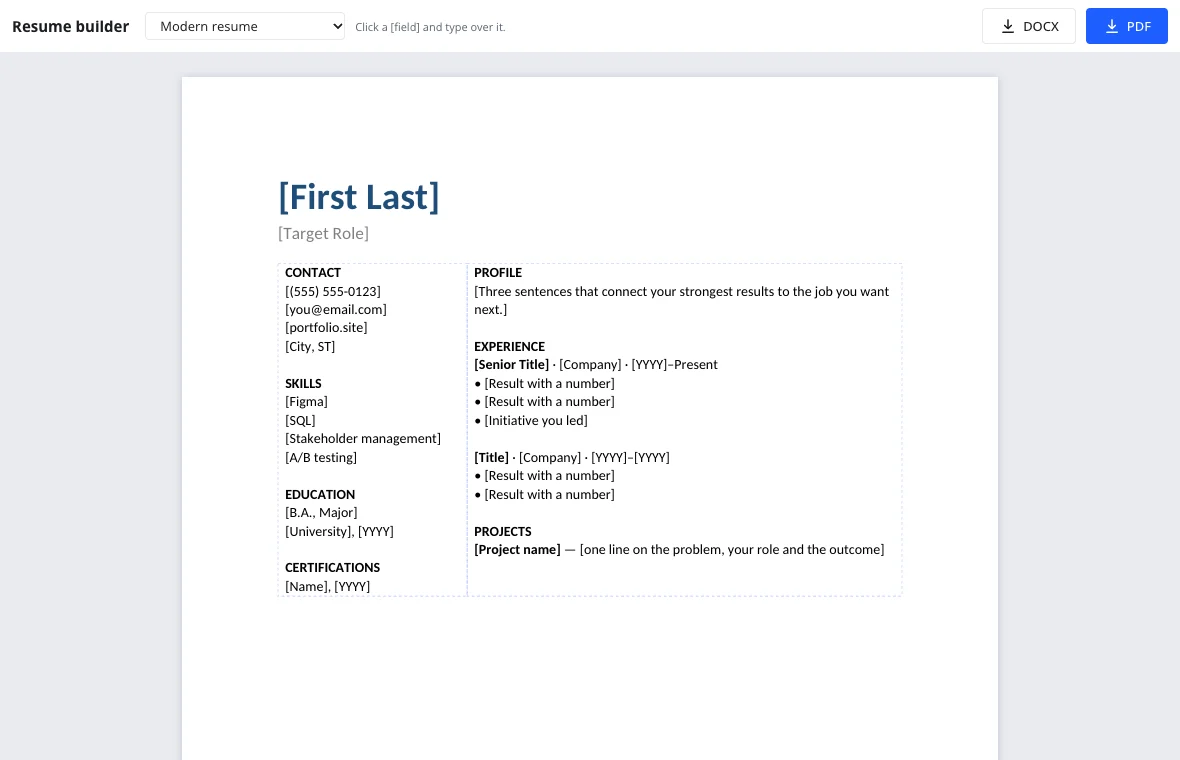
Use the Template menu above the page: Resume for a classic reverse-chronological layout, Modern resume for a two-column look, Entry-level resume if you are a new graduate.
Fill in your details
Click any [field] such as [Job Title] and type over it. Delete sections you don't need and press Enter for more bullets — the formatting follows automatically.
Download and apply
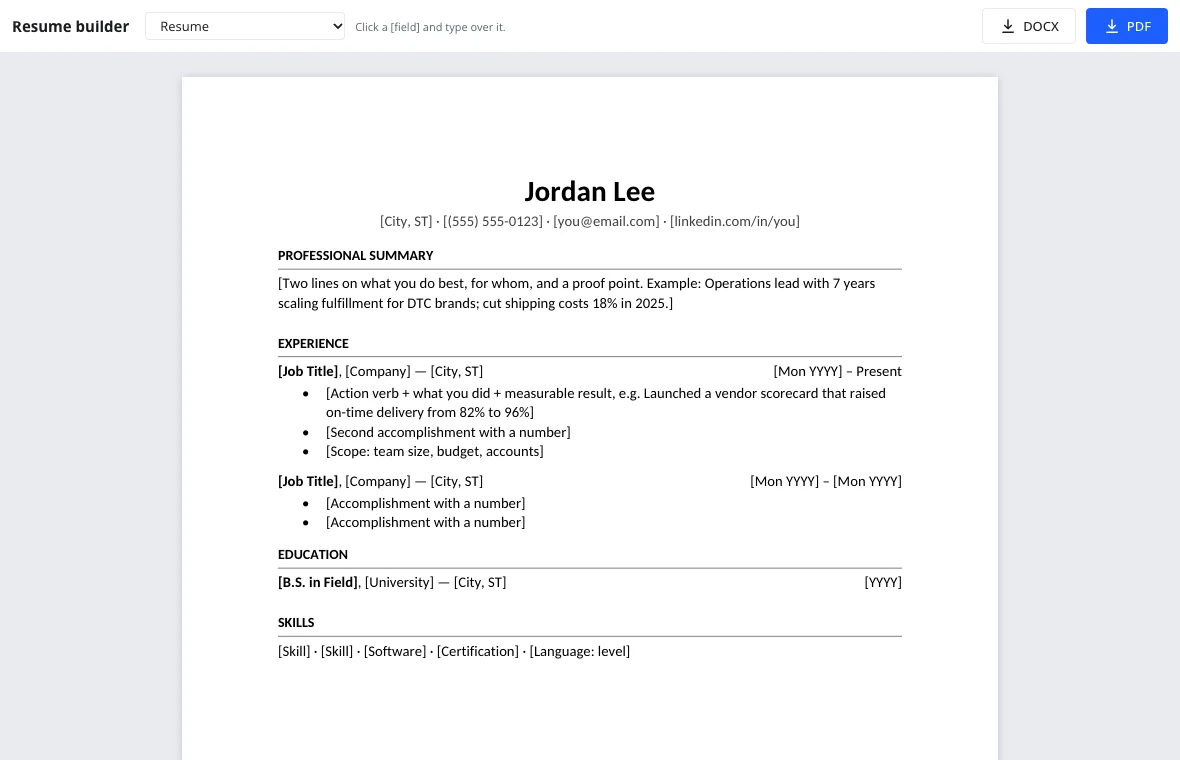
DOCX opens in any word processor for later tweaks; PDF keeps the exact look when you upload it to a job board or email it to a recruiter.
Which resume template fits you
| Template | Best for | Sections |
|---|---|---|
| Resume | Most applicants with a year or more of experience | Summary, experience with dates on the right, education, skills |
| Modern resume | Design, marketing, product and tech roles | Sidebar with contact, skills, education; main column with profile and projects |
| Entry-level resume | Students and new grads | Education and GPA first, internships, projects, leadership |
| Cover letter | Applications that ask why you want the role | Hook, matching accomplishment, why this company, call to action |
Tips that make a resume template work
- Lead with a two-line summary that names your role, your strength and one number.
- Start every bullet with an action verb and end it with a result: launched, cut, grew, saved.
- Mirror the job posting's keywords — job title, tools, industry terms — so applicant tracking systems match you.
- Keep it to one page unless you have ten or more years that matter for the job.
- Save as PDF for uploads unless the posting asks for an editable file.
Why the layout is ATS-friendly
Applicant tracking systems read text, not pictures. These templates use real headings, plain bullet lists and a standard font, so a parser can tell your job titles from your dates. Nothing important sits in a text box or an image, and the PDF keeps its text selectable.
The two-column modern layout uses a borderless table, which most systems read row by row; if a job portal garbles it, switch to the classic Resume template with one click.
Before you hit submit
Read the resume once more with fresh eyes, then run the text through spell check online: it underlines misspelled words and suggests fixes, using US spelling. Check that your phone number and email are current, that every job has a month and year, and that the file name reads like First-Last-Resume.pdf rather than resume-final-v3.pdf.
Many postings also ask for a cover letter. The Template menu includes one, and more formats — business, resignation and thank-you letters — are on the letter templates page.
Your data stays with you
The builder runs in your browser. Your phone number, address and work history aren't sent anywhere until you download the file yourself, and closing the tab clears what you typed. To keep a resume and update it later, open the full editor and save it to your cloud storage.
Frequently asked questions
Support: [email protected]
How do I make a resume online for free?
Pick a layout in the Template menu above the page, click each [field] and type your own details, then press DOCX or PDF to download. Everything is free, with no account, no trial and no watermark added to the file.
How do I make a resume for my first job?
Choose the Entry-level resume. It puts education and GPA first, then internships, class projects and leadership. Describe what you built or organized and what came of it — hiring managers for entry roles look for initiative more than years of experience.
Is this resume template ATS-friendly?
Yes. The templates use real headings, simple bullet lists and selectable text, with nothing important inside images or text boxes. The two-column Modern resume uses a borderless table, which most systems read row by row. If a portal garbles it, switch to the single-column Resume template with one click.
Should I send my resume as PDF or DOCX?
PDF, unless the job posting asks for an editable file. A PDF looks the same on every screen and keeps its text readable for tracking systems; a DOCX is useful when a recruiter wants to reformat or annotate it. Both formats download from the builder in one click.
How long should a resume be?
One page for most people with under ten years of relevant experience, two pages beyond that. Every template here is built to fit one page; if yours spills over, shorten older roles to a single line with title, company and dates.
Can I make a resume fast?
Yes — most people finish a first draft in about fifteen minutes. Start with the template closest to your situation, fill in the summary and your two most recent jobs, and refine the rest after the first application goes out.
Is my resume saved on your site?
No. Your details stay in your browser while you work and disappear when you close the tab. Your phone number, address and work history aren't sent anywhere until you download the file. Open the full editor and save to the cloud if you want to keep the resume and update it for future applications.
More tools
Letter template
Printable letter templates: cover, business, resignation, thank-you and more.
DOCX to PDF
Convert documents to PDF in the browser with the layout intact.
Word counter
Count words and characters live, plus reading and speaking time.
Spell check
Spell check online: find and fix misspelled words in text or a document.
Track changes
Track changes online: review a DOCX, accept or reject edits, download the result.
Documents
A full word processor in the browser, from cover letters to term papers.
Free resume template and resume builder
Make a resume online: pick a template, fill it in, download DOCX or PDF.
Open the editor